
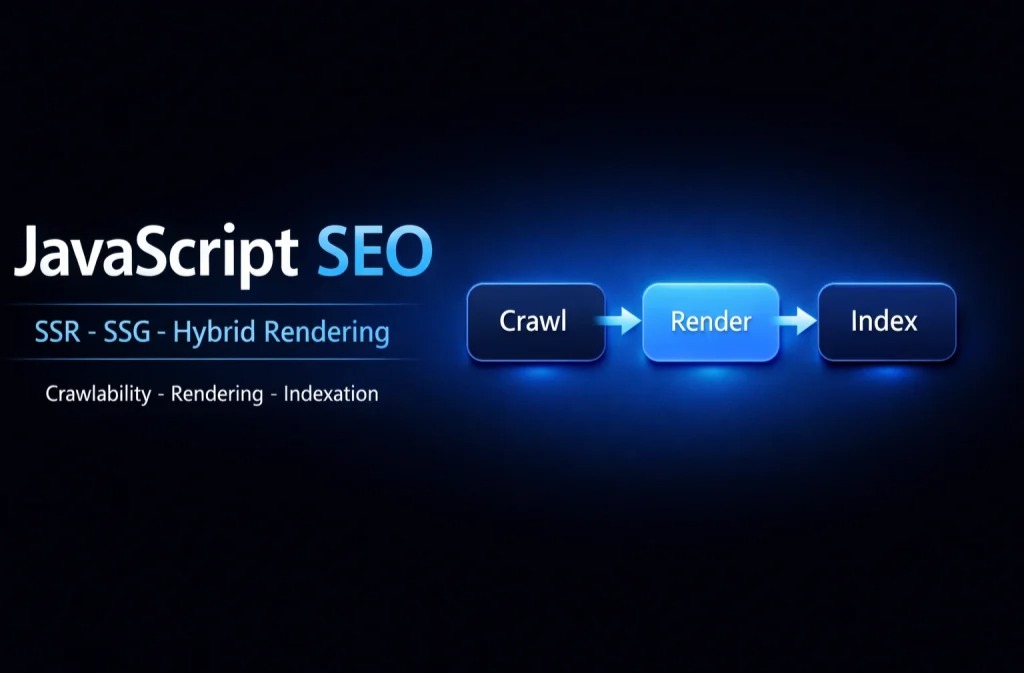
JavaScript rendering SEO is the practice of making sure search engines can reliably crawl, render, and index pages whose content, internal links, and SEO signals are generated or heavily modified by JavaScript.
This matters because modern JavaScript architectures can delay when critical content appears, and rendering failures can cause Google to index an incomplete version of a page compared to what users see.
How Google Processes JavaScript Pages

To optimize JavaScript rendering for SEO, it helps to think in three steps: crawling, rendering, and indexing.
When a page depends on client-side JavaScript, Google may need to execute scripts to see the final DOM, which can introduce delays and create edge cases where important content or links are not discovered as expected.
Crawling: What Google Retrieves First
In the crawling phase, Googlebot requests your URL and discovers references to resources like JavaScript and CSS files.
If critical resources are blocked (for example by robots rules) or fail to load, the later rendering output can be incomplete and reduce the page’s ability to rank.
Rendering: When JavaScript Executes
During rendering, Google uses a browser-like system to execute JavaScript and produce a rendered HTML snapshot.
If your content is injected late, requires user interaction, depends on unstable API calls, or fails due to runtime errors, the rendered snapshot may miss text, links, or structured data.
Indexing: What Gets Stored and Ranked
After rendering, Google uses the rendered output to understand the page and potentially add it to the index.
Internal links that exist only after JavaScript runs may be discovered later, which can slow down discovery of deeper pages—especially on larger sites.
Rendering Strategies That Directly Affect SEO
Rendering strategy is not only a development choice; it changes what search engines receive as the initial HTML response and how resilient your SEO becomes under crawl constraints.
The most common approaches are Client-Side Rendering (CSR), Server-Side Rendering (SSR), Static Site Generation (SSG), and hybrid rendering.
Client-Side Rendering (CSR)
With CSR, the server typically returns an app shell and JavaScript bundles, and the browser builds the real content after scripts execute.
CSR can work for non-SEO areas like dashboards or logged-in experiences, but it increases the risk that SEO-critical pages render incompletely for crawlers.
- Best use case: App-like UX where organic search is not the main acquisition channel for those routes.
- Main SEO risk: Important content and internal links may not exist in the initial HTML.
Server-Side Rendering (SSR)
With SSR, the server returns fully formed HTML per request, which usually makes primary content and links available immediately to crawlers.
SSR is often a strong option for product pages, category pages, and high-intent landing pages where ranking is business-critical.
- Strength: More predictable crawl and index behavior because content exists in HTML right away.
- Tradeoff: Higher server complexity and performance considerations (caching, load, and hydration consistency).
Static Site Generation (SSG) and Incremental Approaches
SSG pre-builds pages into HTML at build time, which can provide highly consistent, crawlable output with excellent performance through a CDN.
This is commonly a great fit for blogs, documentation, and evergreen marketing pages, while very large catalogs may require incremental regeneration strategies.
Hybrid Rendering
Hybrid rendering mixes SSR and SSG (and sometimes CSR) based on the route, which often matches real-world business needs.
The main challenge is governance: templates and SEO rules must be consistent across routes to avoid canonical mistakes, mismatched metadata, or accidental index bloat.
The Rule for Pages That Must Rank
If a URL must rank, the safest approach is to ensure its primary content and internal links are present in the initial HTML response (SSR or SSG), then use JavaScript for progressive enhancement.
This reduces dependency on deferred rendering and makes SEO signals more stable across crawlers, devices, and unusual edge cases.
Common JavaScript SEO Problems (and How to Fix Them)
Most JavaScript SEO issues can be grouped into crawlability problems (URLs not discovered), renderability problems (content not visible to the renderer), and indexability problems (wrong signals or low-quality states getting indexed).
Fixing them usually means making the application output predictable and “crawler-friendly,” not just adding more tags.
1) Internal Links That Crawlers Don’t Treat as Links
Internal linking is the engine of discovery. If you use click handlers on non-link elements, you risk creating navigation that users can follow but crawlers may not.
- Use real anchor tags with href attributes for navigation.
- Prefer normal, clean URLs with History API routing rather than fragment URLs like #/products.
- Keep important category and product pathways accessible without relying on JavaScript-only UI states.
2) Content Appears Only After Interaction
If core content is hidden behind tabs, accordions, infinite scroll, or “Load more” patterns, crawlers may not trigger the interaction that reveals it.
When content is essential for relevance (and ranking), render it in the HTML and use JS to enhance presentation rather than to “unlock” the content.
3) API-Dependent Rendering Failures
Many JavaScript sites rely on API calls to populate content. If API responses fail, time out, or behave differently for crawlers, the rendered page can become empty or thin.
- Fail gracefully: provide server-rendered fallback content for SEO-critical templates.
- Ensure public pages do not require fragile client-only auth tokens to load basic content.
- Monitor and log rendering errors in production (not only in development).
4) Metadata and Canonicals Change After Render
Titles, meta descriptions, canonical tags, and robots directives should be stable and consistent.
If your canonical tag changes client-side or differs across SSR/CSR routes, Google can choose the wrong canonical or index an unintended variant.
- Render critical metadata on the server for SEO routes.
- Keep canonical logic centralized and consistent across templates.
- Be careful with query parameters and faceted navigation—decide what should be indexable.
5) Soft 404s in SPAs
Soft 404s often happen when the UI shows a “Not Found” message but the server returns HTTP 200, so search engines may treat the URL as valid and index it.
For truly missing pages, return a real 404/410 status code, or use a reliable noindex strategy if a status code change is not possible.
Structured Data on JavaScript Websites
Structured data can be generated with JavaScript, but it must be visible in the rendered output that Google processes.
Validate structured data using official testing tools and confirm that the rendered version contains the JSON-LD you expect, especially on templates like Product, Article, Organization, and FAQ.
Testing JavaScript Rendering SEO (What to Check)
Testing should answer one question: what does Google actually see when it renders the page?
Use Search Console URL inspection and structured data testing to confirm your rendered HTML contains the primary content, internal links, canonical, and indexability signals.
- Compare “view source” (initial HTML) vs “rendered output” in testing tools.
- Check for blocked JS/CSS resources that are required for rendering.
- Look for runtime errors and failed network requests during rendering.
- Test at scale: sample key templates (home, categories, products, blog posts, pagination, filtered pages).
Extra References
Best Next Step: Consult a Technical SEO Expert
Because JavaScript rendering, crawl paths, route-level rendering choices, caching, error handling, and canonicalization can interact in complex ways, the most effective approach is often to consult a Professional Technical SEO Expert before making major architectural changes.
This helps prevent expensive mistakes like shipping indexable thin CSR pages, creating large-scale soft 404s, or accidentally canonicalizing valuable pages to the wrong URL variant.